




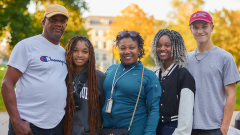
This is a featured image and it can include a caption or not.
This is your opening sentence that positions your office or center in the context of Middlebury’s mission, ideally in an active voice that speaks from the visitor’s perspective in terms of what they will gain from viewing this site.
This is a text component with introductory language that gives an overview of the office. It should describe what services and/or resources your office provides. Use active language that speaks to the visitor and directly addresses what they might be looking for by visiting your site.
Announcement
This is where you could put temporary important information that you want students and faculty to see right away, such as deadlines or upcoming schedule changes. You can include a link to more information or it can be self-contained here.
More about Announcement Topic.
Link List
You can use a Link List component when you want to include a grid-like representation of important—and often visited—pages within your site. You can also link to related content on other Middlebury sites, but note that will take people away from this page.
-
Key Page
Find important information about XYZ
-
Another Key Page
Find important information about XYZ
-
Related Page on Another Site
XYZ Office also offers helpful information
Chart Group
Choose from Big Numbers (shown here) or Basic (bar, pie, donut, etc.)
35%
Percentage
$150
Dollars
44
You can include more descriptive text beneath the number if necessary.
Video Group
Choose from the single full-size Video component or the Video Group, which allows you to have several videos shown smaller as represented here.
Midd360: Spring Student Symposium
Transcript
Coming soon.
Middlebury’s Carbon Neutrality
Transcript
The goal to become carbon neutral started in 2007. It followed on the heels of an earlier goal that was set in 2004. And when it looked like that goal was going to be achieved, because the trustees approved funding for the biomass plant, students went to Ron Liebowitz, the President of the college of the time, and said we should have a new goal.
Our new goal should be neutral by 2016. Ron was impressed enough with the students arguments that he said, I’ll give you 20 minutes in the next trustees meeting, you better be prepared.
And he guided them a bit about things to be ready for. And he said, I said to the students, there’s one board member who will ask you the first question.
And the first question will be, what if we don’t get there, and how will we deal with that? And so the students made their presentation, and the board member put his or her hand up and said, so what happens if we don’t make it? And the student having had a little bit of guidance, a little of anticipation, Ron mentioned he was really proud of this, said that we actually haven’t figured that out yet.
I completely remember feeling really intimidated and unprepared. And what do we say, what do we do? And getting questions that I didn’t know the answer to. And just needing to really be grounded in this is the right thing. At the end of the day, this is the right thing to do.
And the mechanics of how it gets done, and the timeline, and all these variables that have to be negotiated by people who know the technical details, leave that piece to them. But our role as students was making a moral demand that here is Middlebury, this strong leader in sustainability, and here is a very obvious and concrete step the college can take.
And we wanted the college to do it. And I think that’s, for student organizers, that is your power.
The trustees essentially said, we’re interested but came back to us in February, and show us how we’re gonna do it.
There was a deep belief that figuring out a way to get to carbon neutrality was exactly how we wanted to be positioned.
But the idea that we didn’t quite know how we were gonna get there was obviously the hurdle.
At that point they formed a subcommittee of these students, and some people from the board, and the college, who worked on that question, and essentially came back and said look, if we don’t do anything more than biomass, we could get to carbon neutrality by buying somebody else’s offsets.
We don’t wanna do that, but if we did, here’s the risk, and it was about $200,000 a year. The trustees said well, we could be comfortable with taking that risk. And that’s when they adopted the goal to become carbon neutral by 2016.
Because we were an early innovator, the learning curve was steep.
Because we decided that this at the beginning would be inclusive and participatory process, that always makes the process longer and more complex. It also improves it significantly. Ultimately, we got the carbon neutrality through two major steps. One was we switched our fuels primarily to wood chips and biomass to heat and power the campus.
Now the second thing we did is we permanently conserved 2,100 acres of forest land.
By preserving the Bread Loaf Lands last year, will be credited towards our carbon reduction, instead of buying carbon credits somewhere else.
Along the way, there were dozens of things that we looked at and tried.
We had to really spend a lot of time figuring out how to make the biomass plant work well. Today, it works really well. It works better than the manufacturers specifications for it.
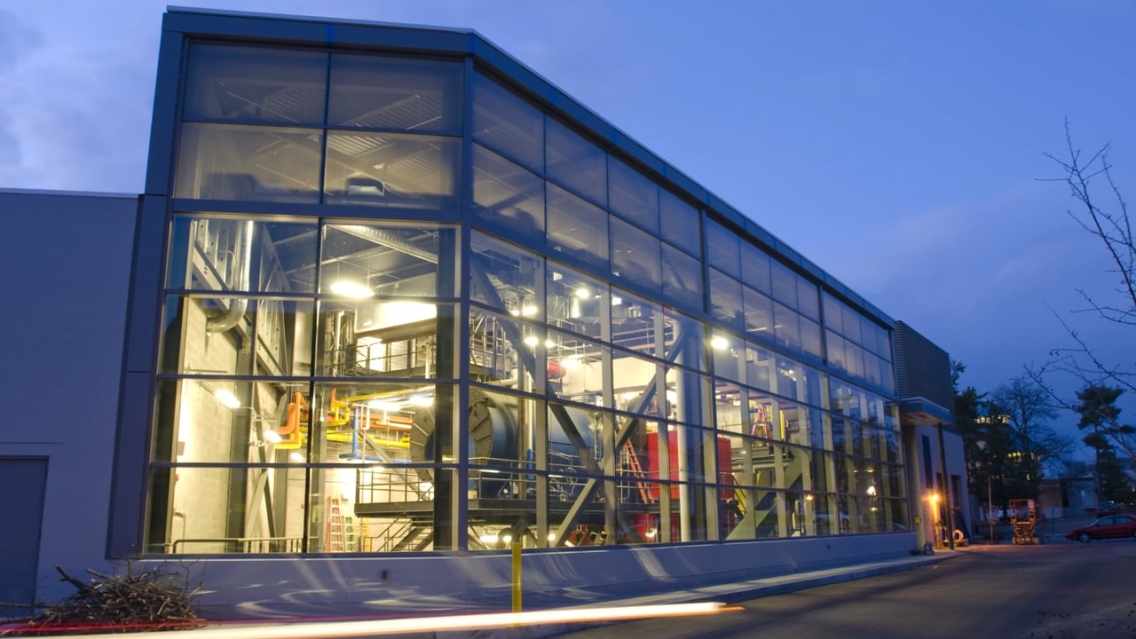
The biomass plant came online in late 2008, and the intent, the original design intent of the biomass plant was to displace half of that number six oil, a million gallons a year.
With 20,000 tons of locally sourced renewable wood chips.
So the actual operation plant had a bumpy first year. There were a lot of technical obstacles we worked through. But by about 2010, we’d shattered those barriers, the plant was up and running. We’d reached our goal of 20,000 tons a year.
And as I reflect back now through those times, I mean last year nearly 24,000 tons of wood chips, only 600,000 gallons of number six oil received. So it’s really moved forward.
So here we are today, we’re carbon neutral by virtue of having switched our fuel to biomass, done efficiency projects invested in renewables.
And we’ve conserved 2,100 acres of land to do that. And I think in the process we’ve created our own internal form of offsets. We’ve done this by taking advantage of the assets, and the resources we have within the college to do it. And I think we can be really proud of the way we’ve gotten there.
When you look at the past decade that we’ve been talking about this, you really see that although individuals have changed, and students have come and gone, the commitment, and the methodology to embed this decision making process, and higher learning, and in problem solving, is that’s the golden nugget.
An awful lot of carbon neutrality is definitional. If by some definitions, there’s plenty of work still to do.
What else is out there? What else can we do to continuously push the envelope? I think our success is due to, we don’t stop. We, new students, staff, faculty, the facilities, the operations of the plant, always looking to push the envelope.
For us, it gave us this experience of leadership, and asking for something of the President and getting the answer that we wanted. Which for when you’re getting involved in activism, that’s kinda the best thing you could hope for, is that through your work the decision maker says yes to what you’re asking.
And so I think that helped make a whole generation of Middlebury students really active leaders on the climate movement.
We’ve created a pathway that other institutions can learn from. And I think it demonstrates that an institution can really do something on its own to contribute solutions to this problem.
As I’ve experienced this community, we can do almost anything creatively if we put our mind to it. Particularly when it comes to environmental goals, and environmental ethics. So I’m delighted that we are as an institution now thinking about next steps beyond carbon neutrality. And I want everyone to stay tuned as to what we do for the future.
I really believe that carbon neutrality is a continuum that we’re on. And it’s just part of something more that we’re going to be doing. That it is a place that became catalytic, and brought this community together at its very best. While this seems like a milestone, and an endpoint, it’s not at all.
We’re probably in infancy of what Middlebury is gonna be doing. And that’s even more exciting.
Quad Story Feature
This component provides space for up to four separate but related stories/teasers. They can link somewhere else within the site or stand alone, with or without descriptive text below the image.
-
-
Descriptive text
-

Spotlight
This is where you could feature something timely, such as a recent award, a new program or initiative, or faculty/student research. You can then link to a place in the site where that info is expanded on, but a link is not required.
Two Column Text
This is a great component to use when you want to have two columns of text side-by-side.
Text here
Lorem ipsum ipsumi psumipsu mipsu mipsumipsumi psum ipsum ipsumi psumipsu mipsu mipsumipsumi psum.
Lorem ipsum ipsumi psumipsu mipsu mipsumipsumi psum ipsum ipsumi psumipsu mipsu mipsumipsumi psum.
Lorem ipsum ipsumi psumipsu mipsu mipsumipsumi psum ipsum ipsumi psumipsu mipsu mipsumipsumi psum.
Card Carousel
Title goes here
You can add a subtitle
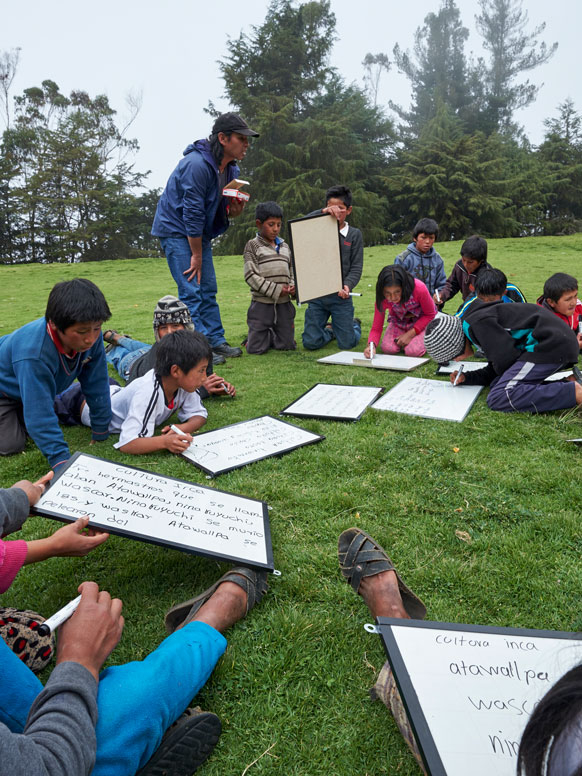
Example Card 2
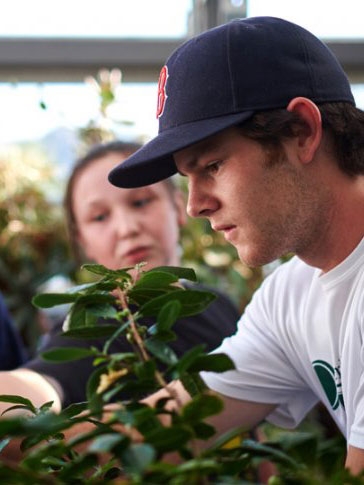
Example Card 3

Example Card 4
Themed Panel
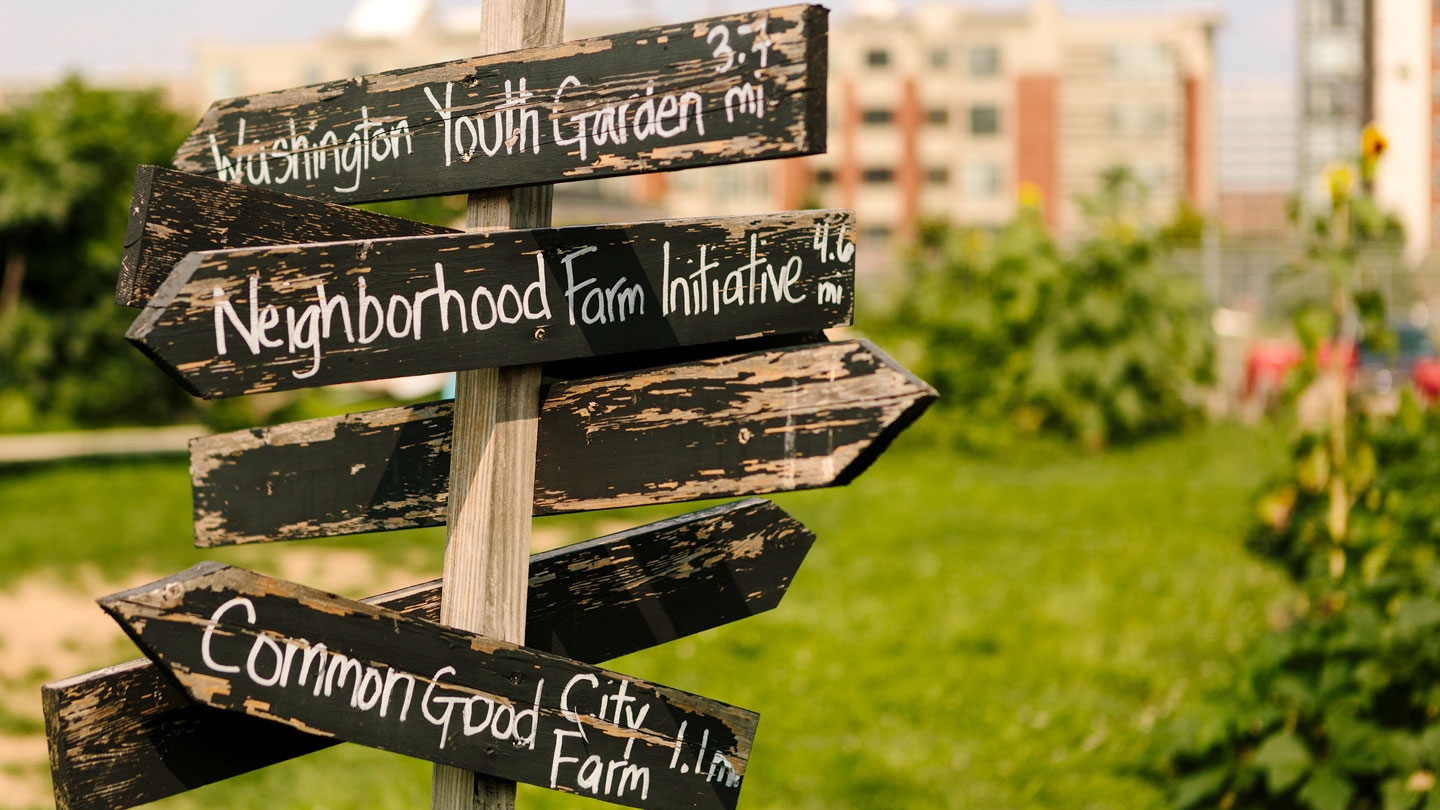
Themed Panel
A themed panel is a great way to show multiple aspects of a related topic, such as featured projects, upcoming events, or alumni activity.
Dynamic Event Calendar List
This allows you to pull your organization’s events (upcoming, past, all) from 25Live.
-
Cocoon
Inspired by the popular storytelling phenomenon The Moth, Cocoon is a special evening of true stories, told live, no notes. This year’s storytellers will include students, faculty/staff, and community members. They’ll all be telling stories on the theme “Curveball.” Stay for a dessert reception with the storytellers and organizers after the show.
Mahaney Arts Center, Olin C. Robison Concert Hall
Open to the Public
$15/10/8/5; https://go.middlebury.edu/tickets
-
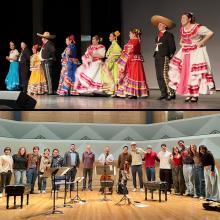
Connect with the Performing Arts
Want to bring a touring artist to campus? Perform in a pop-up performance? Interested in free tickets to the Performing Arts Series? Looking for an engaging campus job? Join us for some free American Flatbread pizza while we discuss ways you can get involved at the Mahaney Arts Center.
Join us on October 14 in the MAC café for pizza and info about these opportunities:
Mahaney Arts Center Cafe
Closed to the Public
-
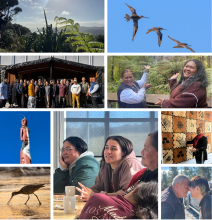
Soaring with the Kuaka: Migrations of Knowledge and Future Making from Aotearoa to Addison County
This public event will welcome a delegation of Maori and Pasifika colleagues visiting Middlebury College from Aotearoa/New Zealand. Panel members will discuss the role of purakau (storytelling), waiata (song), and whakatauki (proverbs) in Indigenous Maori and Polynesian practices of wellbeing and planetary stewardship. Through the teachings of the kuaka, a shorebird known for its remarkable migration from Aotearoa to North America, this event invites attendees to explore the idea that journeys are collective and community futures can soar in spaces of mutual learning, responsibility, and relationship.
Dana Auditorium (Sunderland Language Center)
Open to the Public
Curated Calendar List
This allows you to choose any events from 25Live that you want to appear. They can be from organizations other than your own, such as those you co-sponsor.
-
The History of Tenryumura - screening and reception
The History of Tenryumura: A documentary on the World War II history of a small village in the mountains of Nagano Prefecture, Japan and how one community reckons with a significant, tragic, and painful segment of its past. The screening will be followed by a reception and Q&A with village leaders, the documentarians, and student translators. Japanese with subtitles.Dana Auditorium (Sunderland Language Center)
Closed to the Public
-
-
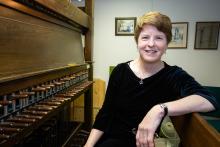
Middlebury College Carillon Series: Dr. Andrea McCrady, Dominion Carillonneur, Canada
As part of the Carillon Series’ Fall Festival, and in conjunction with Fall Family Weekend, Dr. Andrea McCrady will perform a beautiful concert from Middlebury Chapel’s bell tower. The melodic sounds of the carillon bells will ring out across the campus. Bring a lawn chair or a blanket! Free and open to the public.
Click here for more information about the carillon series and to view programs for each concert.
5:00 PM
Middlebury Chapel
Open to the Public
Middlebury Chapel
Open to the Public
Latest News
Read MoreYou can add this component to your homepage and it will pull the top three stories from your newsroom. You can include a link, such as Read More, to your actual News subpage.
Sample News Story
This is a teaser blurb that appears beneath your story title on the News page.
Sample News Story 2
You can include an image or not.
CTA Group
This component allows you to group together a series of Calls to Action—actions you want someone to take when visiting your site.
Do This Thing