

Print and Copy
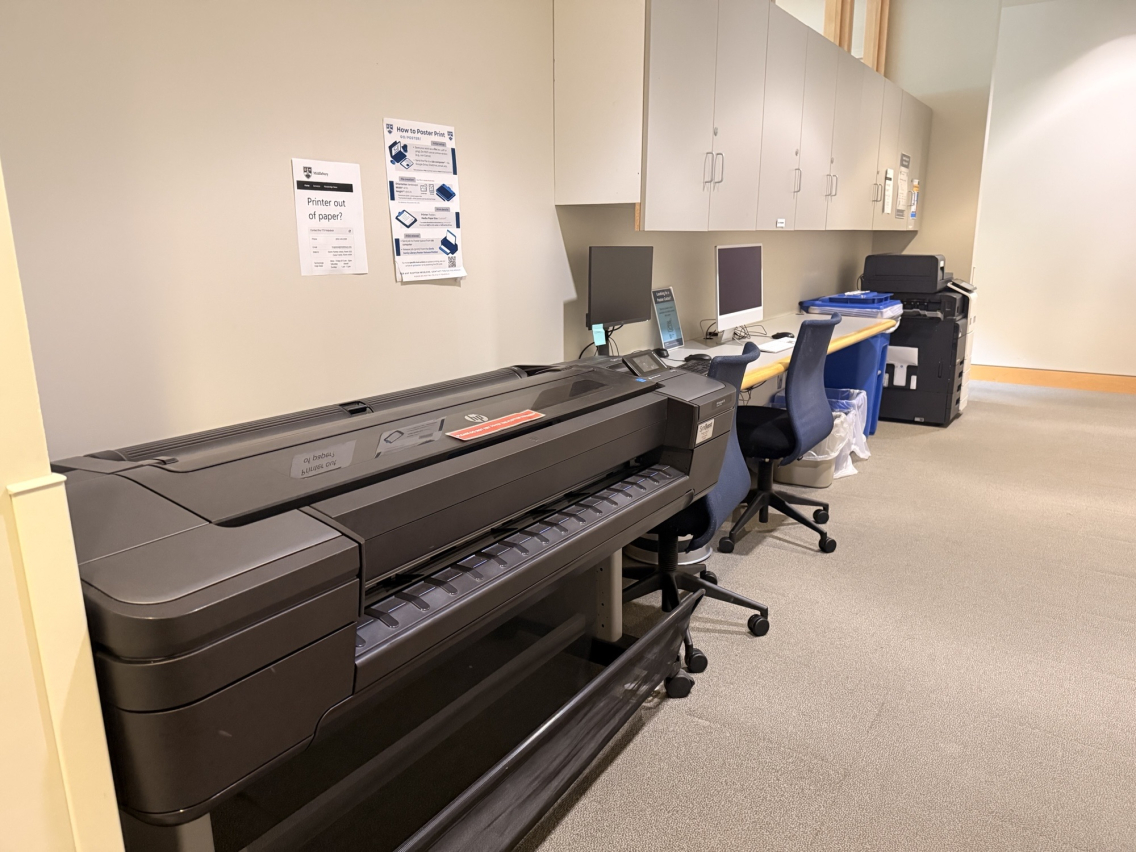
There are printers on all three levels of Davis Library connected to the public printer system across campus. There is also a poster printer located on the upper level.
Printing on Campus
Printing on campus is managed by Information Technology Services (ITS). You can find more information on how to set up and print at go/printing. There is a Technology Help Desk located on the Main Level of Davis Library that can provide additional support.
Poster Printing
There are two poster printers (sometimes called Plotter Printers) on campus. One is located on the Upper Level of Davis Library, the other is located in BiHall. You can find more information on how to poster print at go/poster. If you need help creating a poster (design, etc.—NOT printing), you can book a consultation with DLINQ at go/dlinqconsultation/.